Configure your school
Set organization details, employee schedules, time-code mappings, signatories, holidays, and the preferred print layout.
BioDTRPro intelligently converts raw biometric logs into accurate and compliant Daily Time Records. With smart time-code recognition, schedule awareness, and automatic log resolution, the system ensures every entry is precise eliminating manual errors and simplifying attendance management for modern institutions.


Because attendance management should be accurate, effortless, and reliable. BioDTRPro removes the complexity of manual log interpretation, eliminates human computation errors, and standardizes DTR generation across your organization. It adapts to different biometric devices, supports flexible configurations, and ensures every employee’s record is processed fairly and consistently.
With its intelligent automation and customizable controls, BioDTRPro helps institutions save time, reduce disputes, maintain compliance, and operate with confidence turning attendance data into dependable, decision-ready records.


BioDTRPro is an online platform that centralizes every tool required to streamline and automate school or office attendance management.
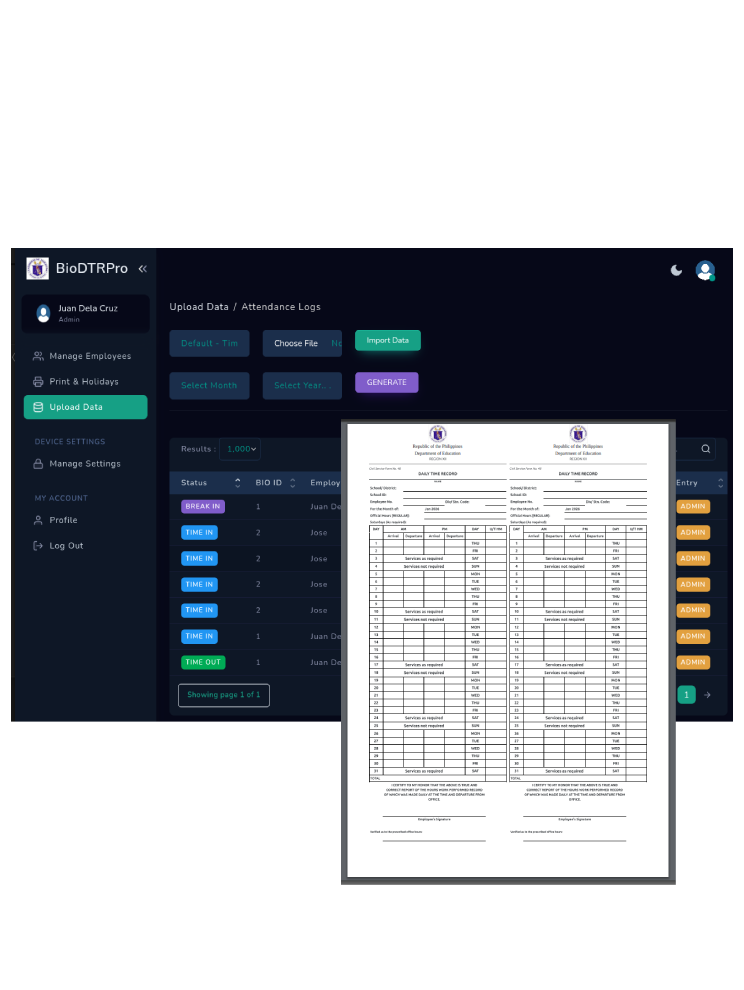
BioDTRPro automatically transforms raw biometric device logs into fully structured Daily Time Record (DTR) reports. No manual computation. No spreadsheet editing. The system intelligently analyzes attendance logs and converts them into accurate, ready-to-print DTR forms in seconds.
Administrators can dynamically add and manage holidays within the system. Declared holidays are automatically reflected in generated DTR reports, ensuring compliance and accurate time record computation.
Employees can securely view their generated DTR before printing. This promotes transparency, minimizes disputes, and ensures accuracy prior to submission.
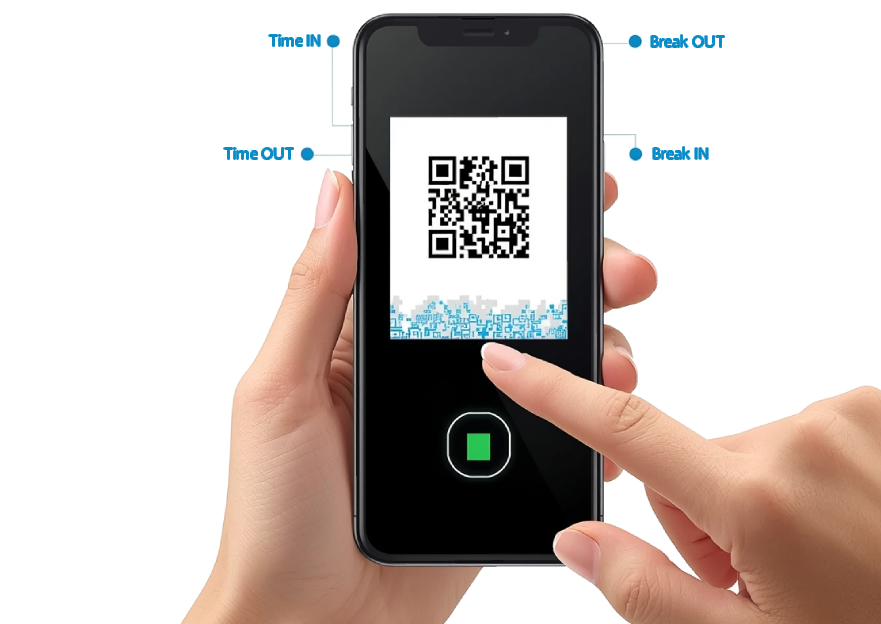
BioDTRPro intelligently determines attendance classifications based on employee-assigned schedules. For example, if an employee’s expected Time In is 7:00 AM, the system automatically interprets the correct time code (Time In, Break Out, Break In, Time Out) based on log timing and assigned rules.
Customize DTR print details in real-time. Easily configure school name, division, principal name, position titles, signatories, and other official details. Changes instantly reflect across generated reports, no need for system reprogramming.
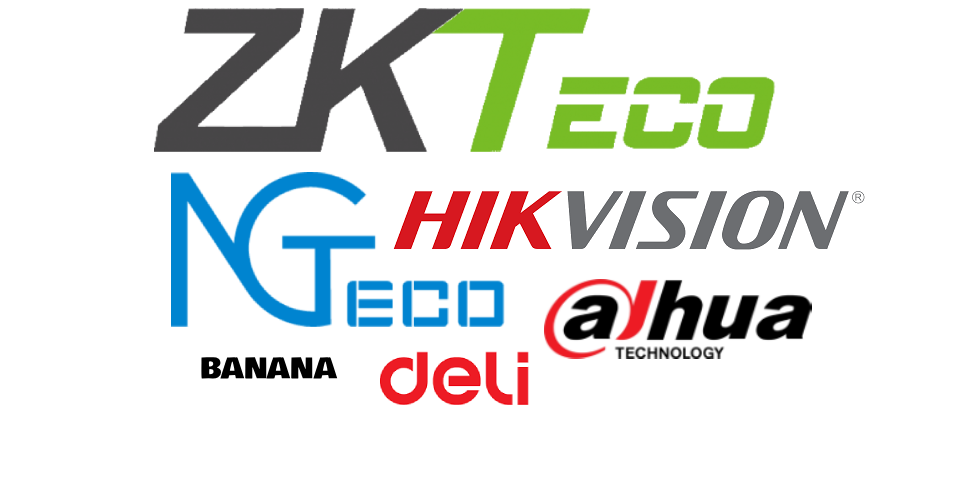
Different biometric devices use different time codes. BioDTRPro allows administrators to assign and configure custom time-code mappings so that any supported biometric device becomes fully compatible with the system without requiring hardware changes.
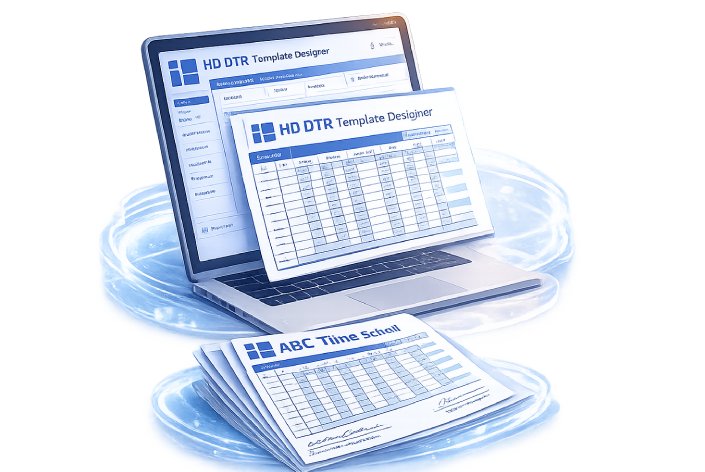
Choose from multiple professionally designed DTR templates to match your organization’s required format. Whether for schools, government offices, or private institutions, BioDTRPro allows flexible template selection without modifying the core data.
The system intelligently handles multiple biometric logs:
For Time In and Break In → the system captures the first recorded log.This ensures accurate and fair attendance processing, even when employees tap multiple times on the device.
BioDTRPro gives administrators a clear, repeatable process while keeping employees informed through self-service DTR access.
Set organization details, employee schedules, time-code mappings, signatories, holidays, and the preferred print layout.
Upload supported device exports using the Default time-based, Hikvision, or Dahua XML import profile.
Inspect daily events, correct authorized entries, apply holiday rules, and let smart multi-log handling resolve repeated taps.
Print individual or bulk DTRs, provide employee previews, and produce optional Logbook and ETTER reports when enabled.
Choose the layout required by your school or office without changing employee attendance data. Your selected template is applied consistently to individual, bulk, and employee-preview DTRs.
Select a template to open its actual DTR layout with sample data.
Ask which template fits your organization
Generate ready-to-print monthly DTRs for one employee or an entire active employee list.
Create date-range logbooks with dynamic school address, contact details, email, and logo.
Export Employee Timekeeping Transaction Exception Reports with C/In and C/Out transactions.
Quick answers about setup, device imports, employee access, reports, and account availability.
BioDTRPro includes Default time-based, Hikvision, and Dahua XML import profiles. The raw-data uploader accepts supported TXT, DAT, MD, CSV, and XML exports, subject to the selected profile and expected file structure.
No. The system is designed to import device identifiers, event dates and times, and transaction codes—not fingerprint images, facial images, or biometric templates.
Yes. Employees can use the DTR lookup page with their school ID, employee number, month, and year to preview the report made available by their organization.
Authorized accounts can add, edit, or remove time events when the school’s editable-logs feature is enabled. Administrative activity is recorded for accountability.
Yes. Print settings support division and school information, signatories and positions, station codes, and a selected DTR template. Logbook-enabled accounts can also configure footer contact details and a logo.
Logbook produces a date-range attendance document. ETTER produces an employee transaction exception workbook using C/In and C/Out labels. Both are optional modules enabled per school account.
Administrators maintain the school holiday calendar, and configured holidays are reflected when the system prepares attendance and DTR output for the selected period.
School accounts are provisioned by the BioDTRPro administrator. Send an inquiry below with your organization name and requirements so availability, setup, and applicable pricing can be discussed.
Tell us about your school or organization, device type, employee count, and reporting needs. We’ll help you identify the right BioDTRPro setup.